01Reproduce a complete cleaning request
List every entry point and handoff: website, phone, returning customer, property match, service selection, qualifying questions, availability, quote or estimate, appointment, assignment, reminder, arrival, visit record, invoice, payment, feedback, and repeat work. Separate company policy from actions the software may perform.
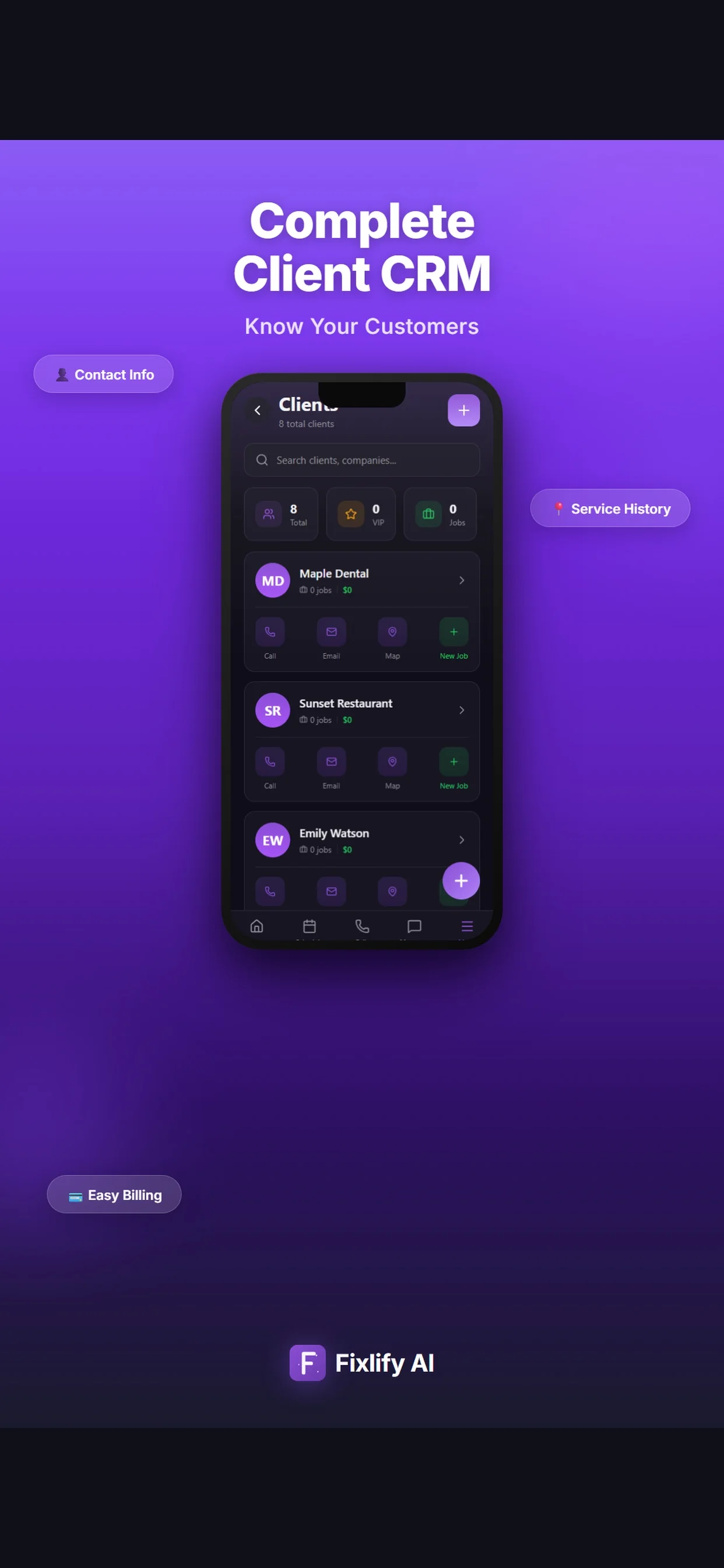
Test it: Submit a new deep-clean request and a returning-customer change. Capture property size, requested areas, access, pets, parking, supplies policy, preferred date, and an unsupported request. Create the customer, property, job, estimate, appointment, assignment, field record, invoice, payment status, and follow-up, then inspect every role's view.
02Break a recurring schedule safely
Recurring work should survive exceptions without silent changes. Define frequency, start date, duration, service scope, assigned cleaner, holiday rules, pauses, skips, one-time add-ons, substitutions, customer messages, price changes, invoice timing, end date, and audit evidence.
Test it: Create a three-month biweekly series. Move the second visit, skip the third, add an oven clean to one occurrence, replace one cleaner, pause and resume the customer, change a later price, and confirm every future date, assignment, customer notice, job record, and invoice remains correct.
03Protect property and access information
Permanent address details, gate or alarm steps, keys, lockboxes, pets, parking, preferred products, health or sensitivity notes, temporary entrance instructions, and internal office notes have different lifetimes and audiences. Define which roles can view, edit, export, or remove each field.
Test it: Create two locations for one customer, add permanent and visit-only instructions, assign a primary and substitute cleaner, change permissions, remove the assignment, export the record, and inspect office, field, customer, and unauthorized views. Confirm the temporary note does not appear on later visits.
04Run a difficult scheduling and crew day
A calendar does not prove shift, duration, travel, service-area, skill, capacity, multi-person crew, break, emergency insertion, call-out, overlap, recurring-route, live-location, or notification behavior. Define which decisions remain with a dispatcher and which automation is allowed.
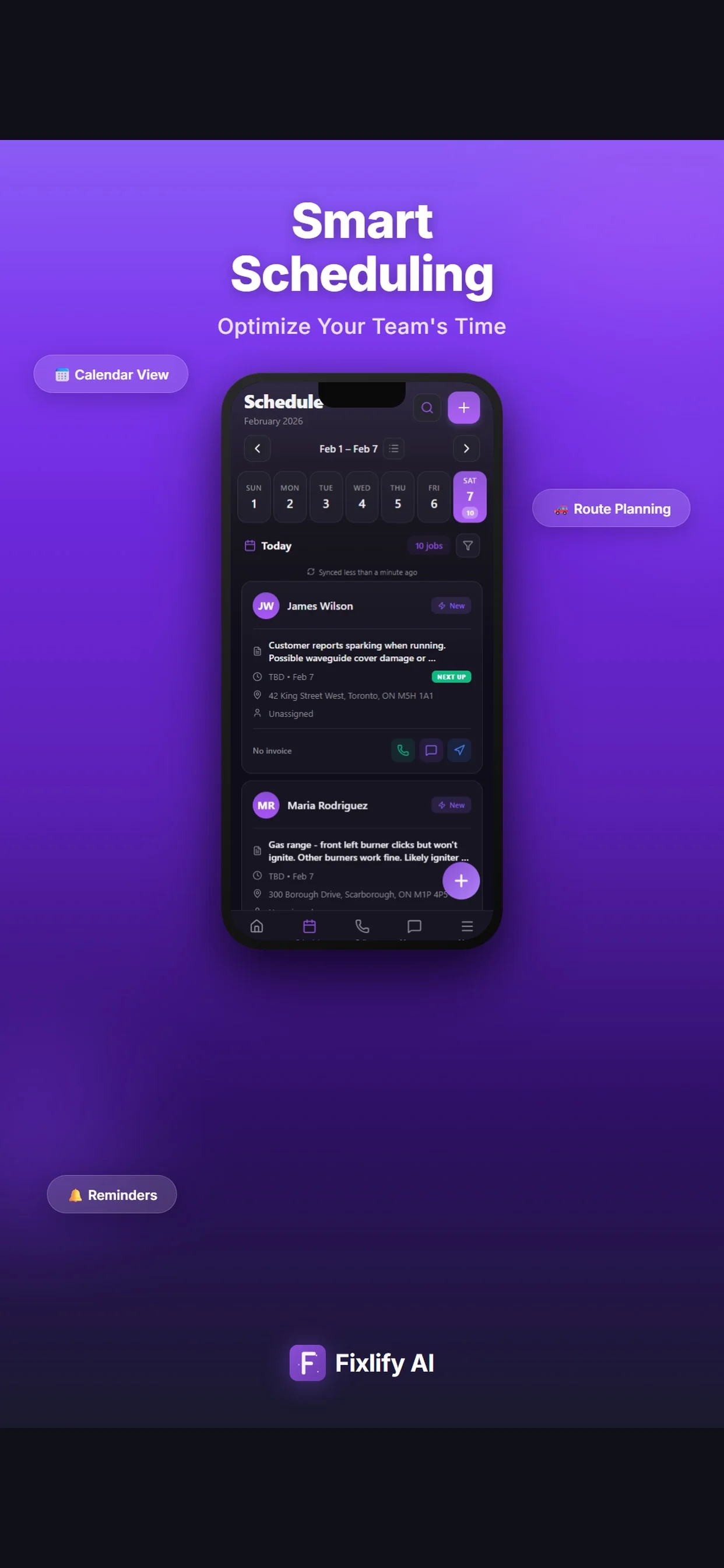
Test it: Build a day with six visits, two crews, a cleaner absence, a late property, an urgent deep clean, a cancellation, and a customer reschedule. Reassign work, preserve access restrictions and promised windows, review travel manually, notify the right people, and inspect audit history and downstream billing.
05Verify mobile visit evidence
Define what cleaners must see and record: scope, checklist or tasks, arrival, completion, time, notes, photos, issues, signatures, supplies, add-ons, return work, customer communication, and payment. A mobile listing does not establish offline behavior, synchronization, privacy, or dedicated inspection capability.
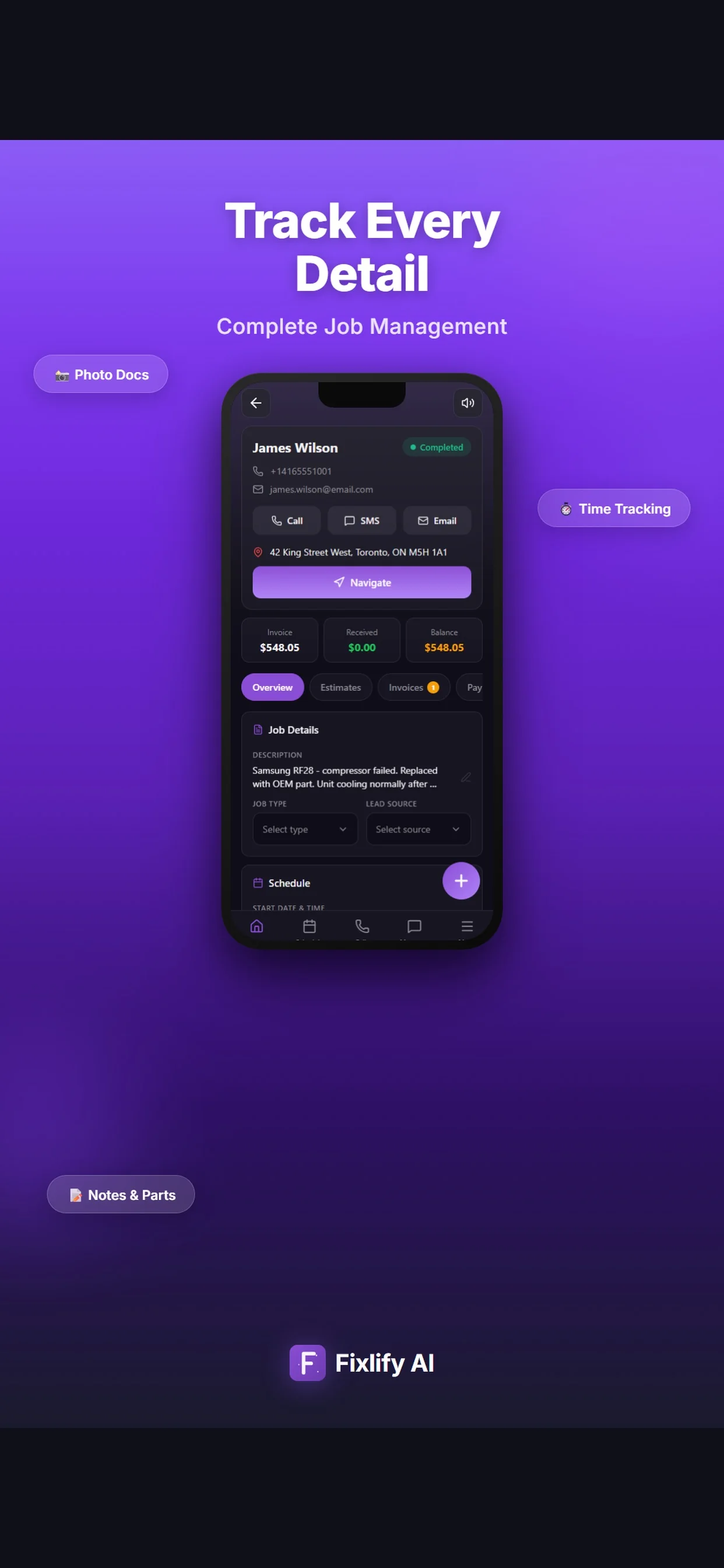
Test it: Use the intended phone on a weak network. Open the assigned visit, review only allowed notes, add tasks, photos, completion and issue notes, request an add-on review, remove connectivity, reconnect, and inspect timestamps, file quality, conflicts, notifications, supervisor review, customer visibility, and office records.
06Reconcile estimate, invoice, and payment changes
Map base services, add-ons, frequency discounts, taxes, deposits, tips, card or ACH handling, partial work, cancellations, no-access charges, credits, refunds, recurring billing, invoice recipients, purchase orders, payment fees, and accounting ownership. Define who can approve each change.
Test it: Create a base clean plus add-ons, revise and approve the estimate, collect a deposit, remove one item after partial completion, issue the invoice, take and refund a payment, correct the customer record, and reconcile identifiers, dates, taxes, totals, fees, status, and the accounting handoff.
07Test AI phone rules and human fallback
Configure only approved services, questions, area, hours, durations, availability, price boundaries, deposits, access guidance, unsupported work, emergencies, cancellations, reschedules, language, consent, retention, transfers, and escalation. Include the phone number and usage units in total cost.
Test it: Call with a routine booking, recurring-customer change, vague property size, locked-out cleaner, pet concern, stain or hazardous-material request, out-of-area address, commercial tender, emergency language, price demand, cancellation, angry caller, transfer request, other language, and silence. Inspect responses, records, handoffs, and credits.
08Prove total cost, export, and rollback
Compare subscription, users, jobs, phone numbers, AI usage, messages, payments, storage, files, forms, booking, routing, GPS, time tracking, payroll, inventory, inspections, reporting, accounting, integrations, setup, migration, training, support, taxes, renewal, internal labor, and exit work over twelve months.
Test it: Obtain the written configuration, calculate normal and peak months, export every supported object, migrate a representative sample, reconcile customers, properties, schedules, open work, estimates, invoices, payments, files, users, and permissions, simulate a failed cutover, execute rollback, and retain old-system access until acceptance.